User Metadata Integration
User metadata integration provides the ability to add user metadata created through the support service to cards.
FlowFast requests metadata from your custom metadata service.
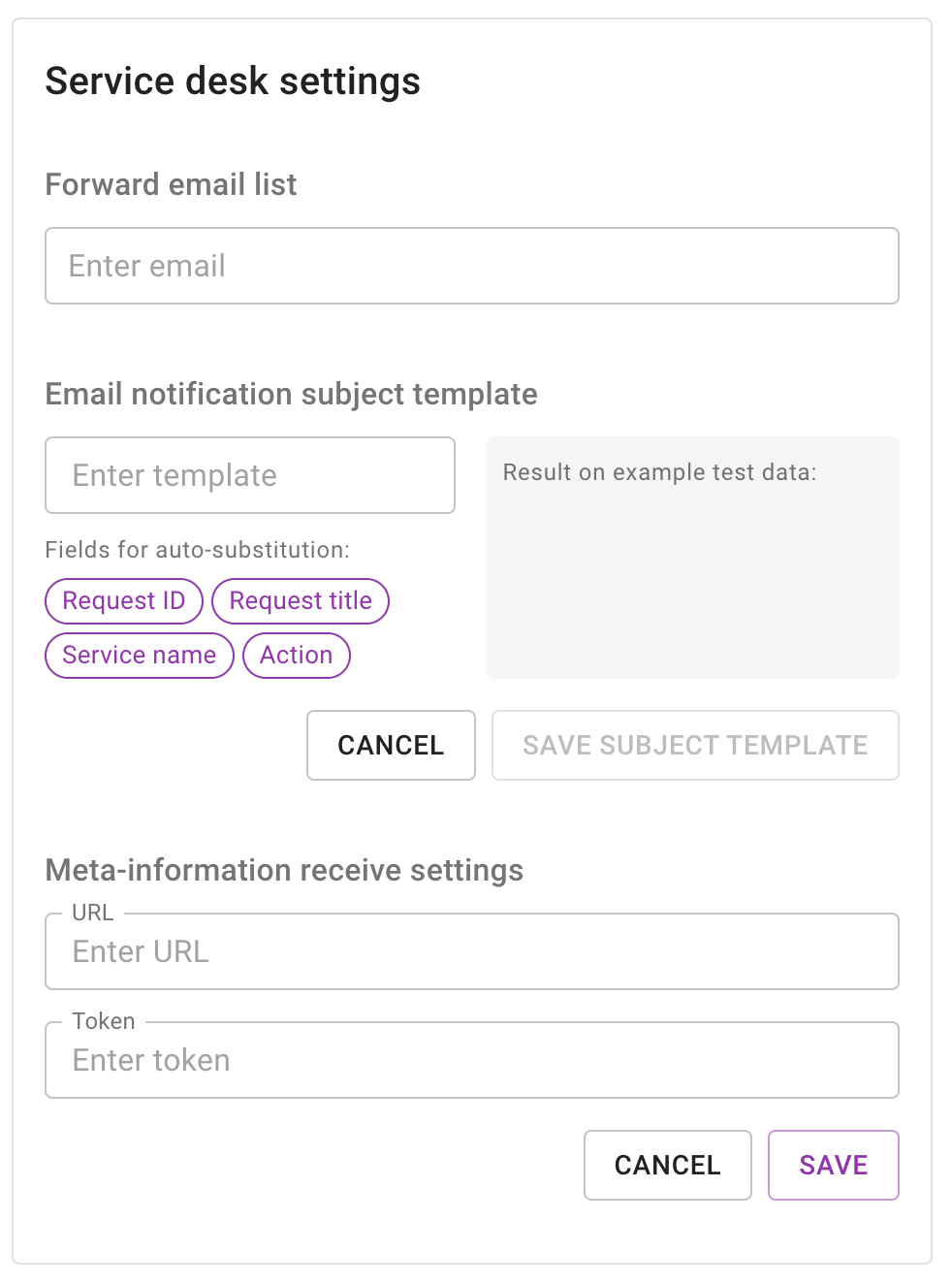
Connection setup
Endpoint description
POST
URL you specified in the setting| Name | Value |
|---|---|
| Content-Type | application/json |
| Name | Type | Constraints | Description |
|---|---|---|---|
email required | string | User email | |
| token | string | Access token | |
null | Empty acess token |
Responses
| Description | Response type | Example |
|---|---|---|
| Success | Object |
| Name | Type | Description |
|---|---|---|
| id_{propertyId} | string | integer | null | object | Card custom property |
| description | number | string | Description for card |
If the response contains attributes other than those specified, they will be ignored.
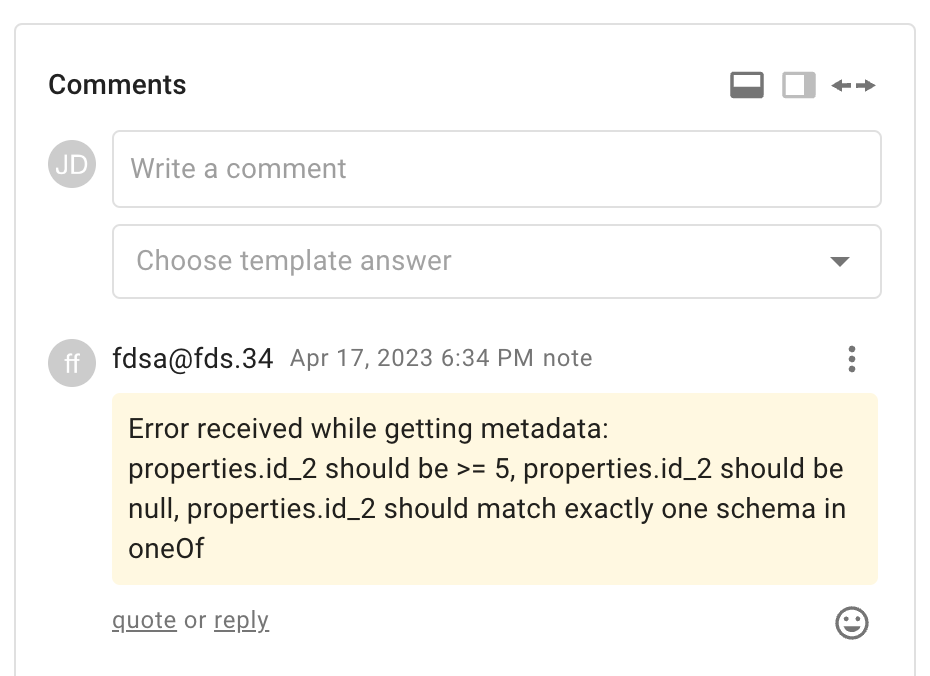
If the response contains non-validated data, the metadata will not be added.
Error handling
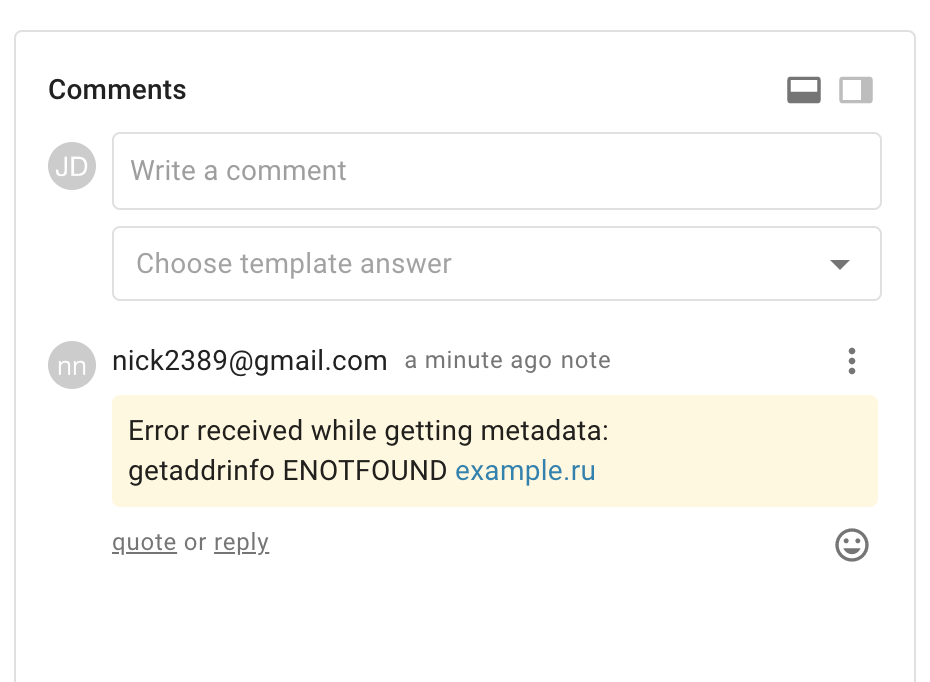
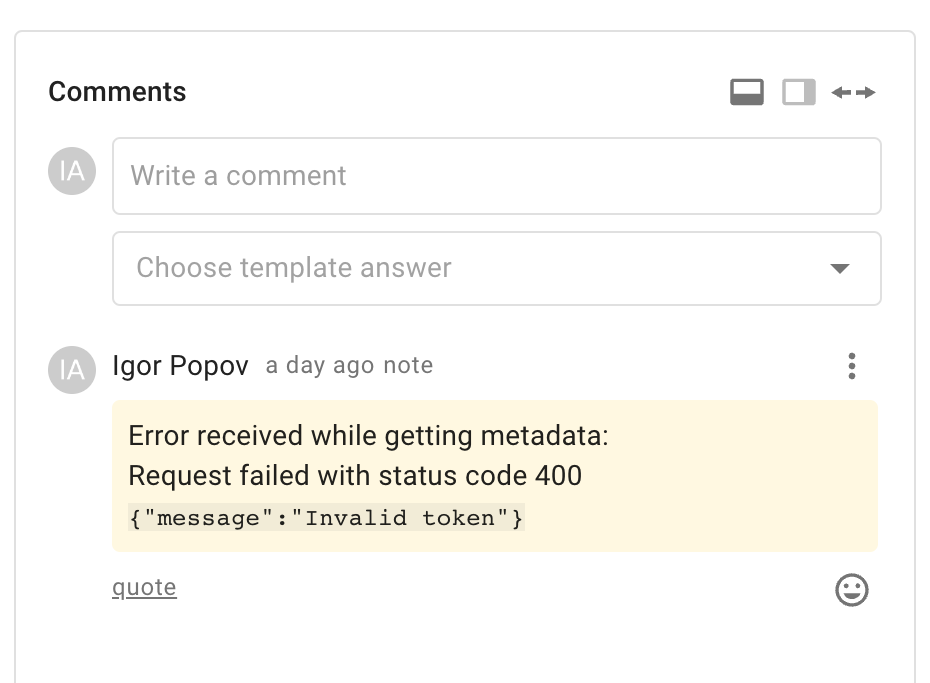
Responses with an HTTP code other than 200 are stored in a comment to the request. If the data from the response does not pass the check, then the error message is also stored in the note to the request: