FlowFast Addons
Addons allow you to expand functionality of FlowFast
You will need a server to host all the addon code. Addons require that resources be served over HTTPS. FlowFast loads resources into iframes, so you need to update your CORS settings to allow FlowFast to make requests to fetch your files
Next, create the main html page that your server will serve, FlowFast will load this page in a hidden iframe.
In the head section, add our minified SDK (https://files.flowfast.io/web-sdk/v1.min.js)
<head>
    <meta charset="utf-8">
    <script src="https://files.flowfast.io/web-sdk/v1.min.js"></script>
  </head>
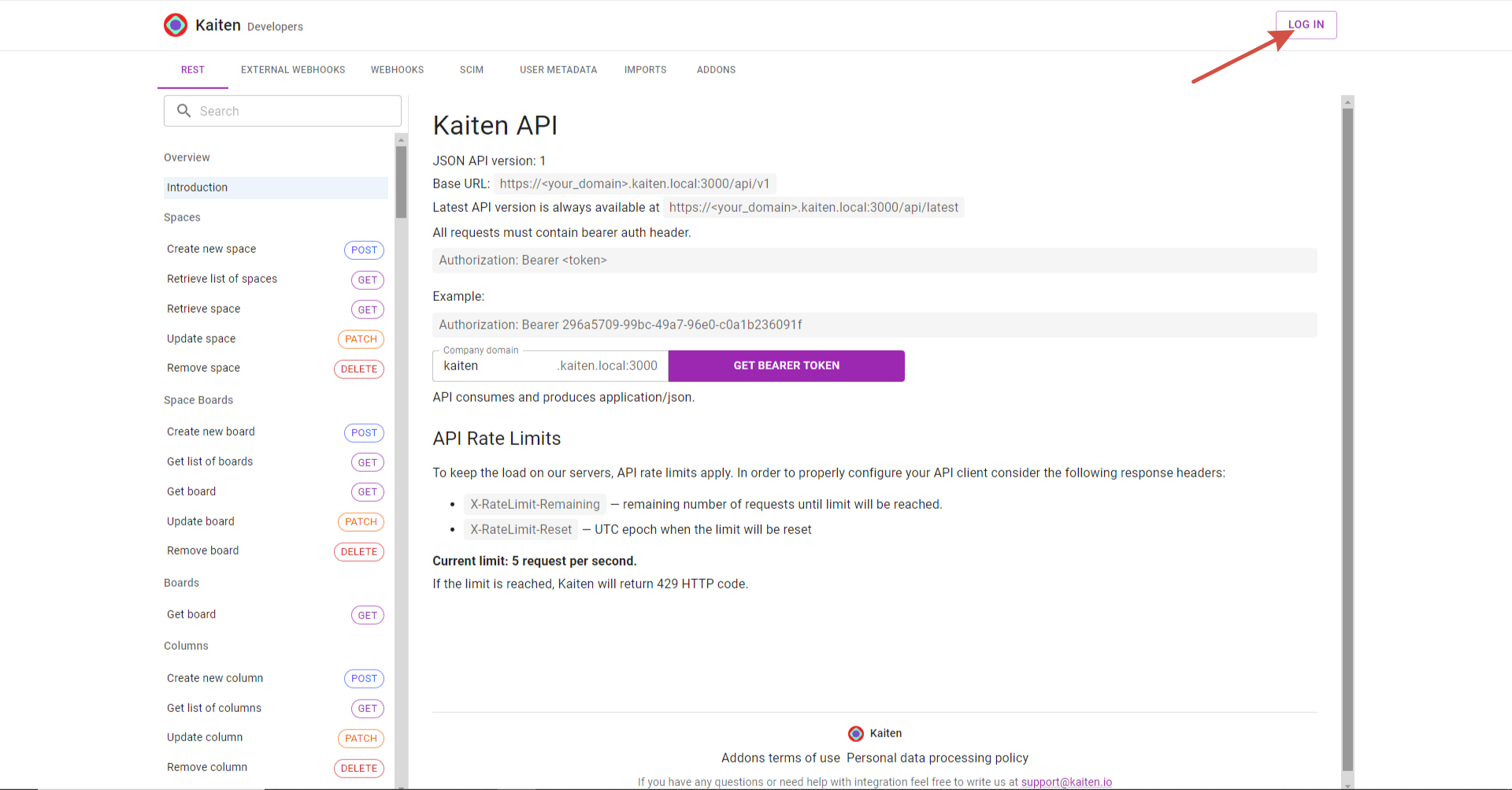
Next, go to FlowFast Developers, log in to your account
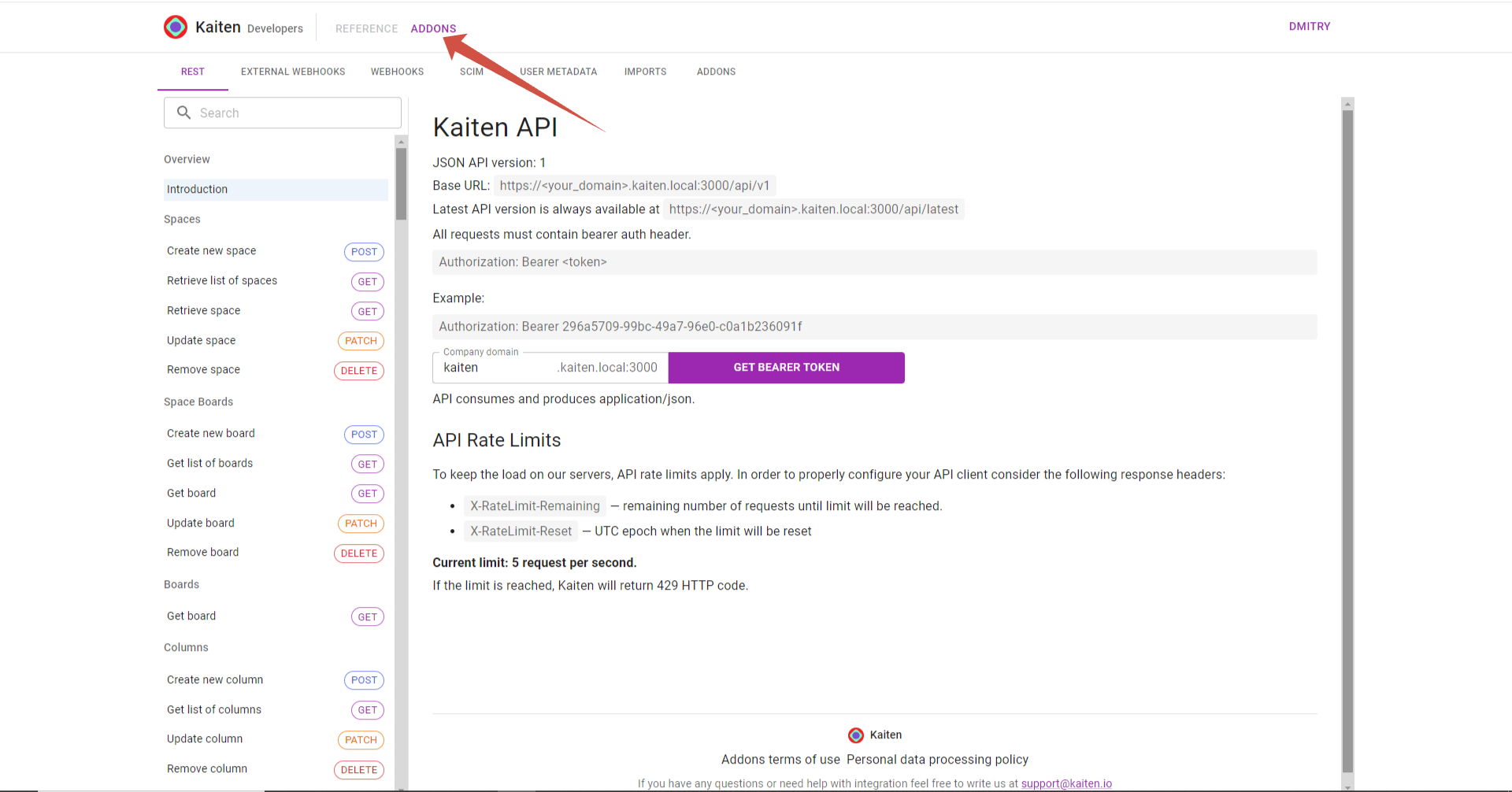
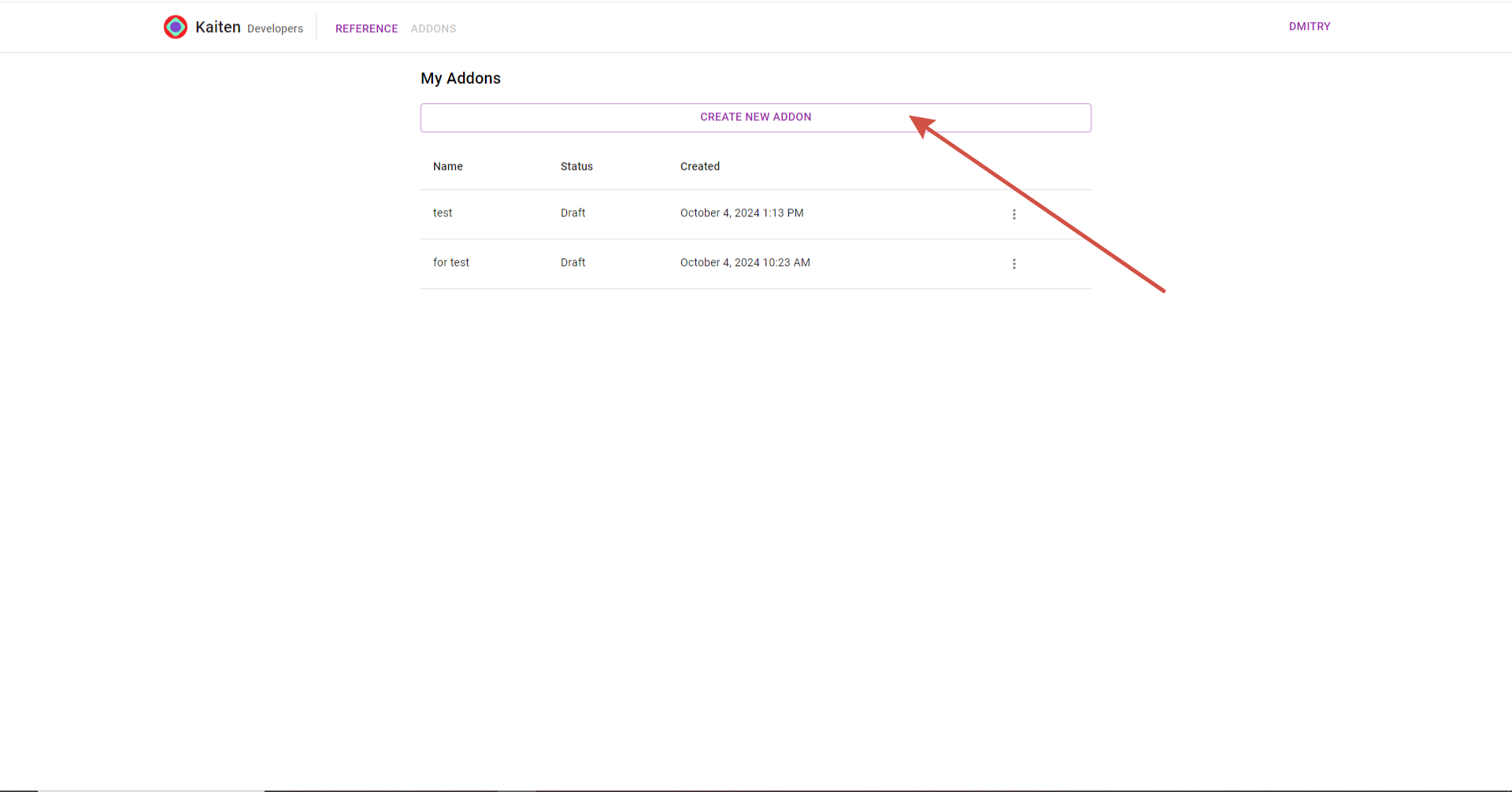
Next go to the section “Addons” and click on “Create a new addon”
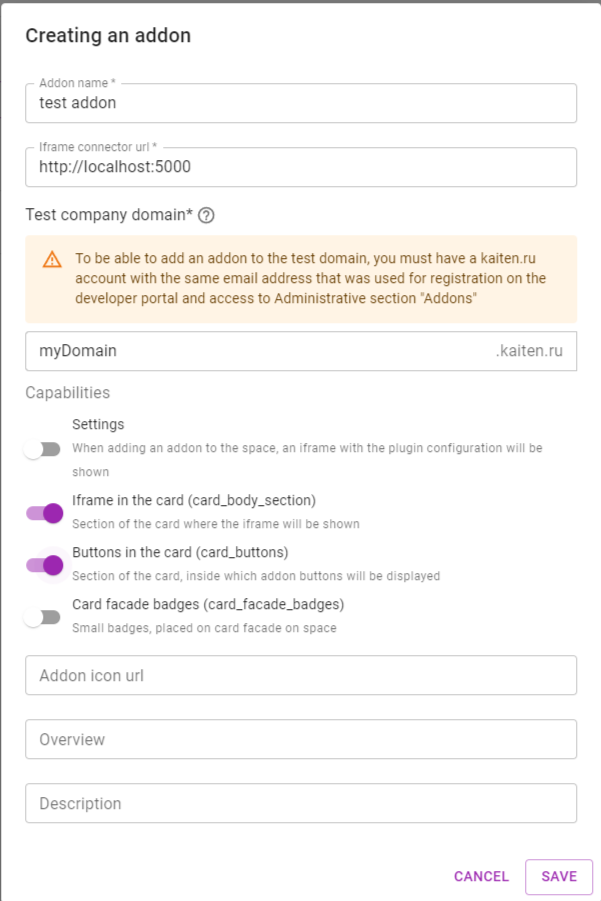
In the window that opens, enter the name, address of the Iframe connector url(the address where your server is running), the domain of the company where the addon will be available and mark the necessary features of our addon